Login
Login
 Register
 Blog
Blog


MySpace Profile Privileges - Help
On this page you can find the detailed description on how to set up your MySpace Settings, so Everybody can Connect to your MySpace Page.
Higher the number of Connections = better overall MySpace rank.
Step 1. - Login To Your MySpace Account | |
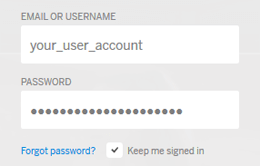 | Log in to your MySpace Account. |
Step 2. - Click On the "Settings Button" | |
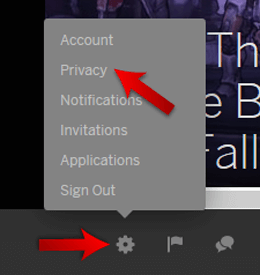 | On the botom of MySpace Page there is an Gear Icon. Click on the Gear Icon and select Privacy option. |
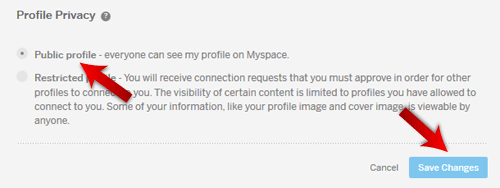
Step 3. - Set the Profile to Public | |
Select the Public Profile option and click on the "Save" Button. This will set your MySpace Profile to Public and our members will be able to Connect to your MySpace Profile. | |
 | |
Step 4. - Get One MySpace Connection | |
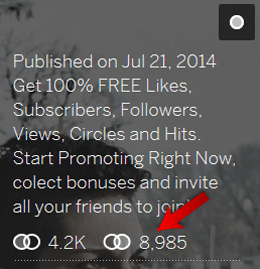 | For our system to work correctly you will need to have one Social Media Interaction on your MySpace Page (in this case one MySpace Connection). |